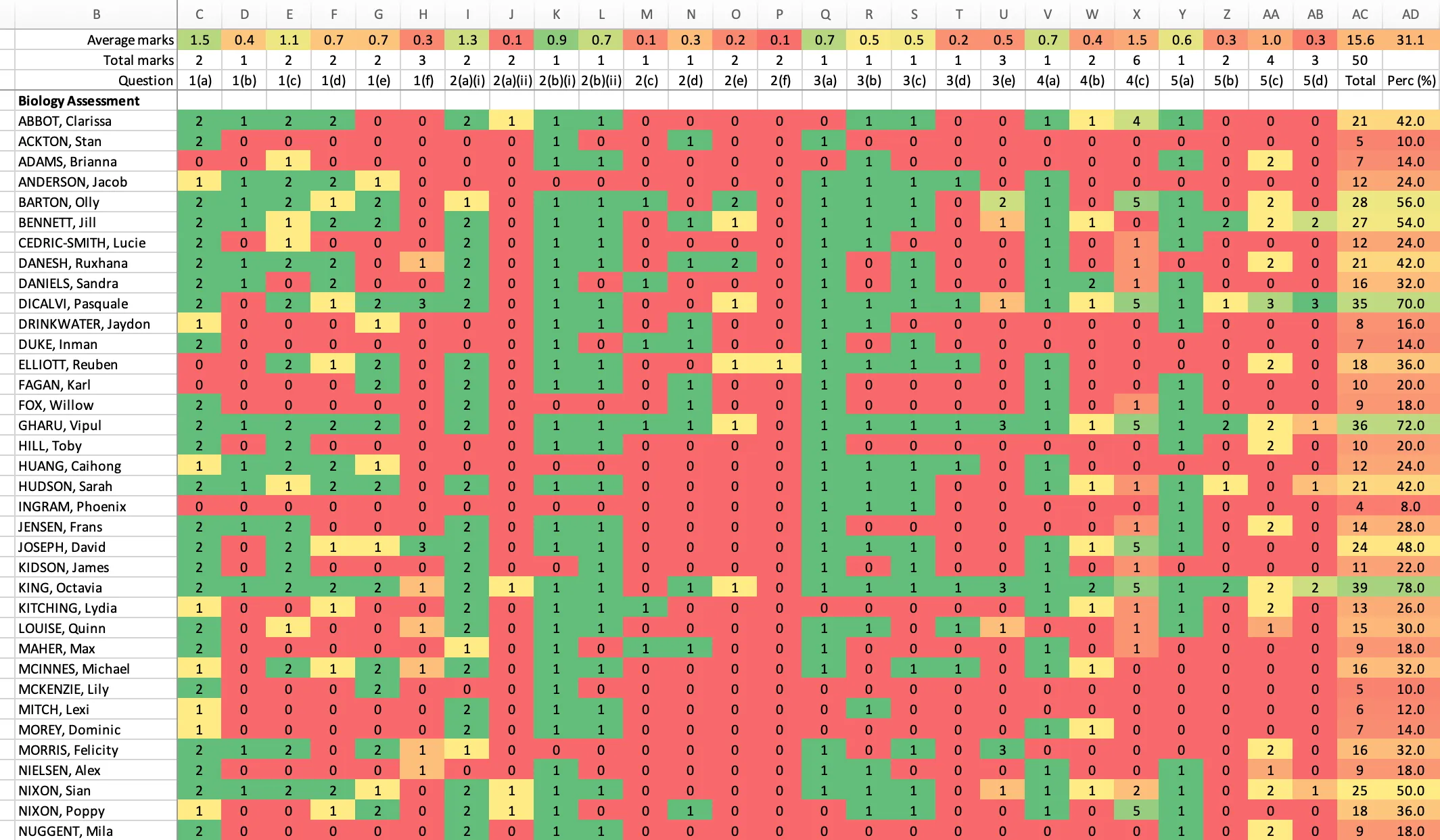
Question-level analysis (QLA)
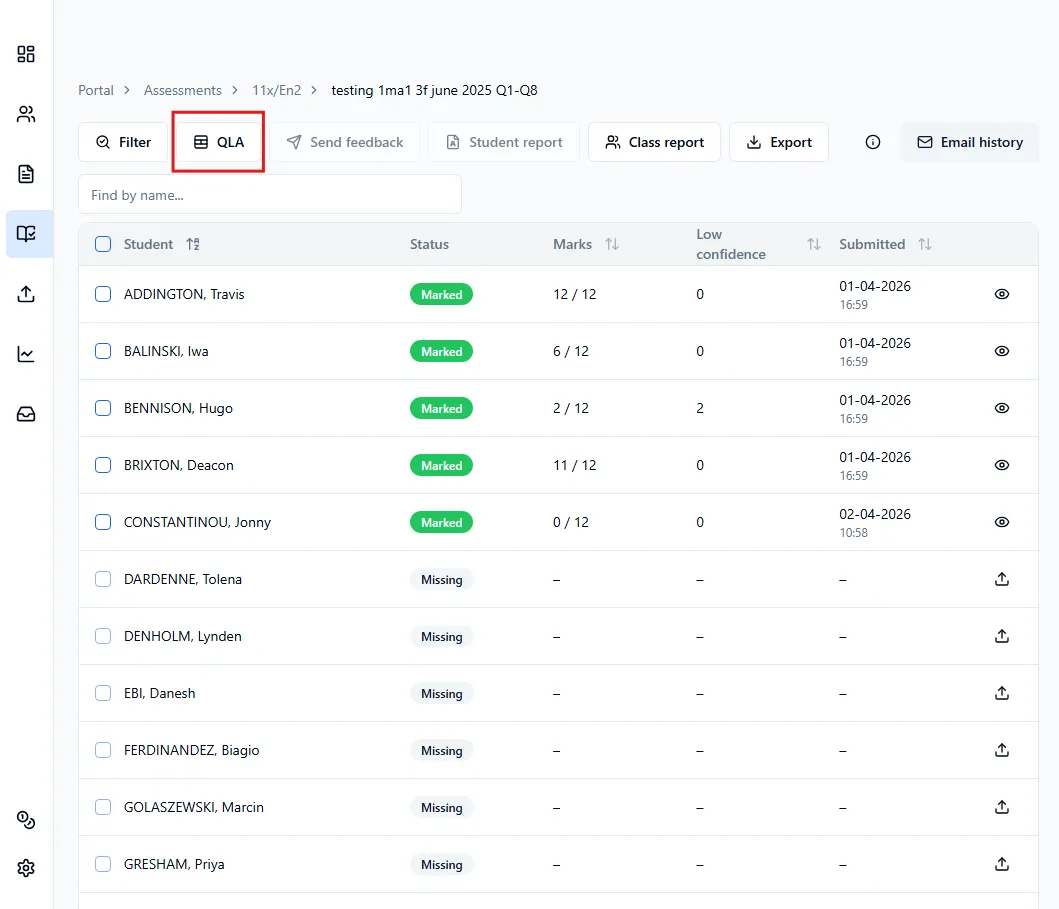
To download the question-level analysis (QLA), head over to the assessment’s Submissions page, then click QLA.
In the window that opens, you can choose what to include in the QLA:
- Grouped sub-questions
- Feedback
- Extended details (students’ FSM, PP and SEN statuses)
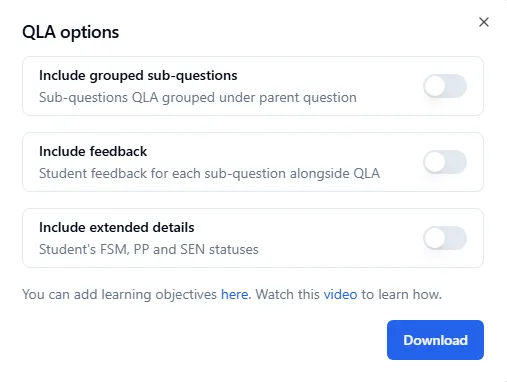
Once you’ve made your selections, click Download.
Here’s a preview of what a QLA looks like with none of these options selected: