Classes
Your classes are what you build assessments around, so it’s worth knowing how they get there and what to do when they change.
Where your classes come from
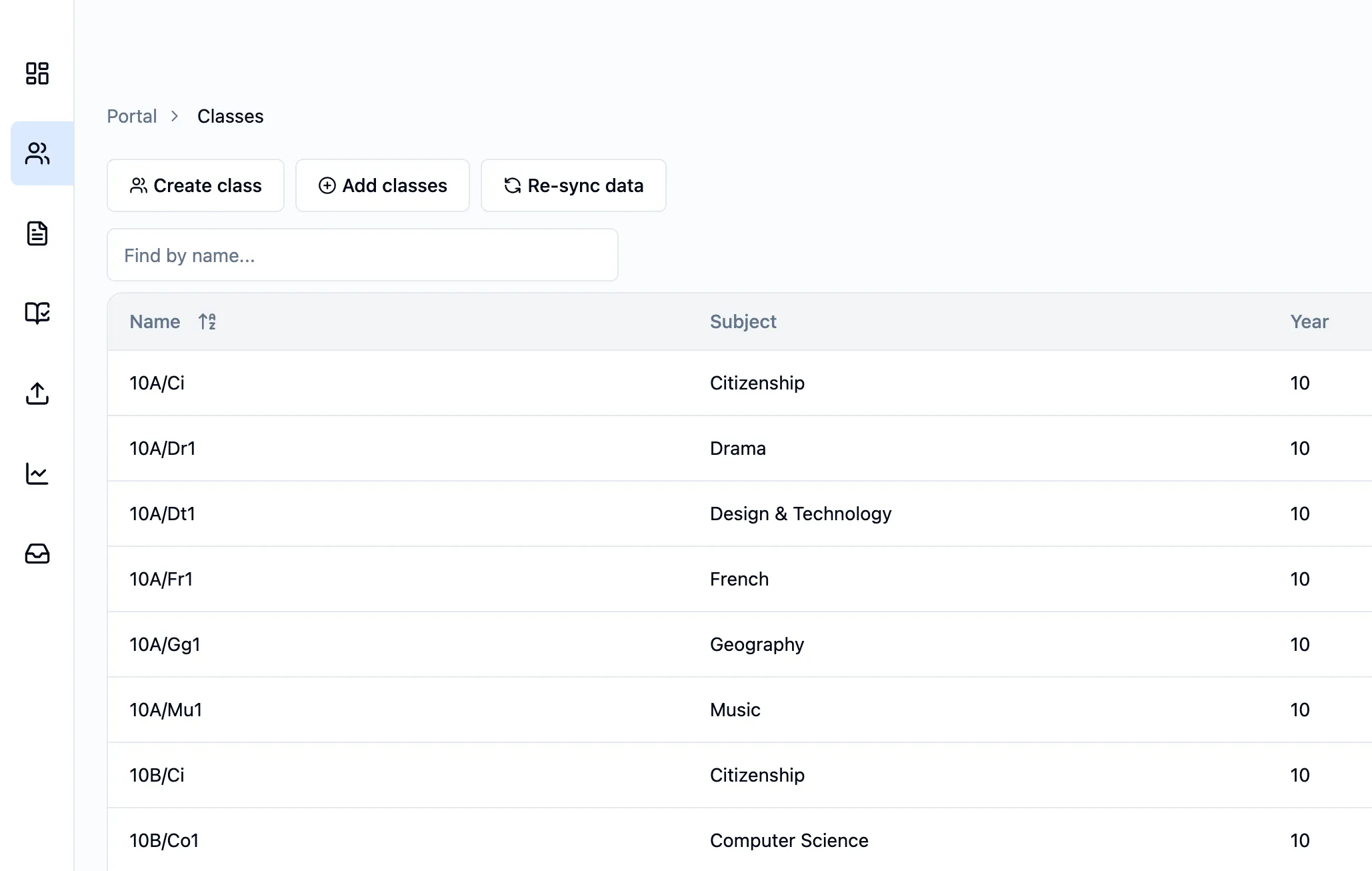
Section titled “Where your classes come from”Most schools connect to Running Paper through Wonde. If yours does, your classes are pulled straight from your MIS (Sims, Bromcom, Arbor and so on) and synced every Saturday at midnight, so timetable changes land without anyone having to do anything.
Keeping a class up to date
Section titled “Keeping a class up to date”If a student moves classes mid-week, you don’t have to wait for Saturday. Click Re-sync data and your own classes will be refreshed against the MIS.
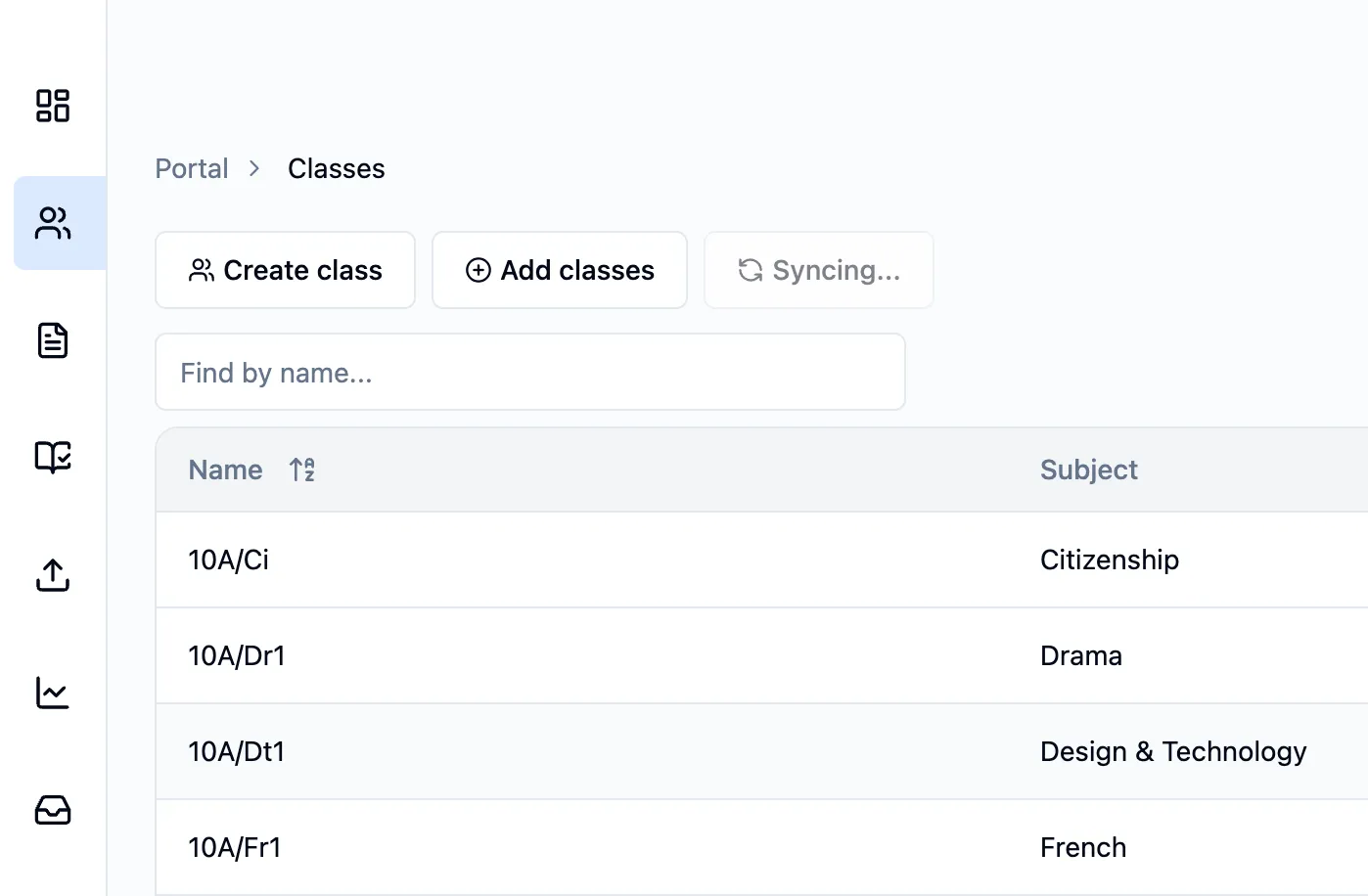
If the whole school needs re-syncing rather than just your classes, get in touch with support and we’ll run it for you.
Adding someone else’s classes
Section titled “Adding someone else’s classes”If you’re covering for a colleague or running a department, you can also add other classes. Click Add classes, pick the subject and year group, tick the classes you want, and then click Add in the top right.
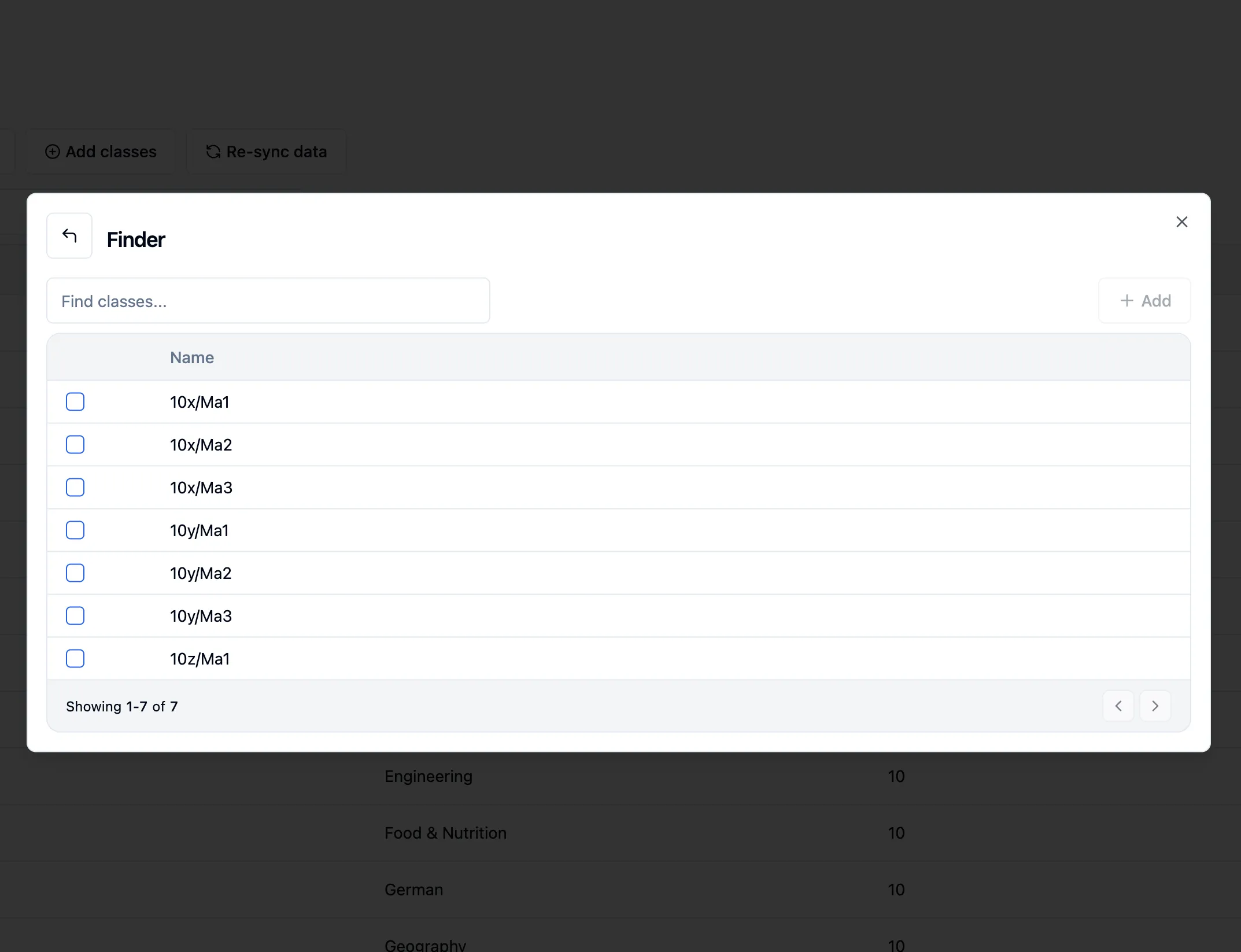
They’ll then sit alongside your own classes, so you can create assessments for them as normal.
Creating your own class
Section titled “Creating your own class”You can also build a class from scratch, which is handy for intervention groups or any set of students that doesn’t exist in the MIS. Click Create class, give it a name, and pick your students.
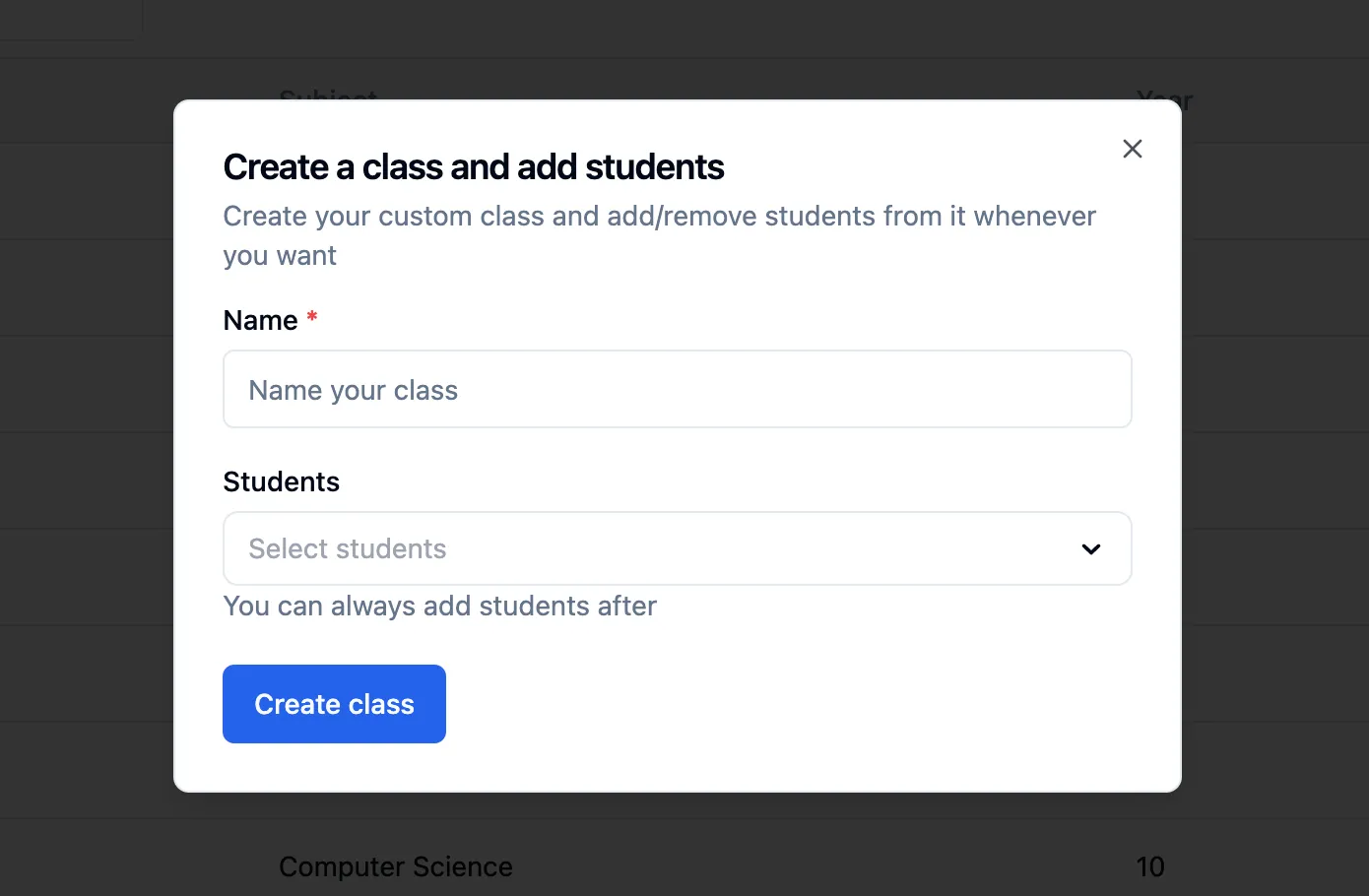
You don’t have to add everyone straight away, students can be added or removed at any point.