Question tags
These tags record what each sub-question is assessing. None of them are compulsory, so fill in whichever are useful to you.
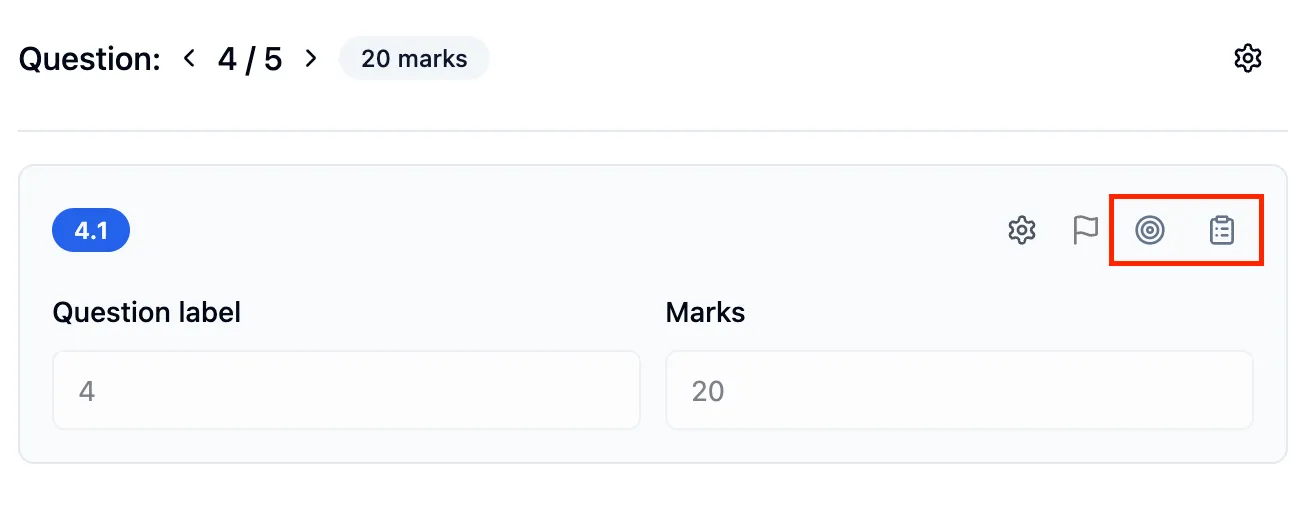
There are two, and they sit on the row above each sub-question in both worksheet formats:
- Learning objectives - the target icon
- Specification points - the clipboard icon
Learning objectives
Section titled “Learning objectives”Your own wording for what the sub-question is testing, in the language you’d use with the class. Add as many as you need with the + button, and remove any you don’t want with the bin icon.
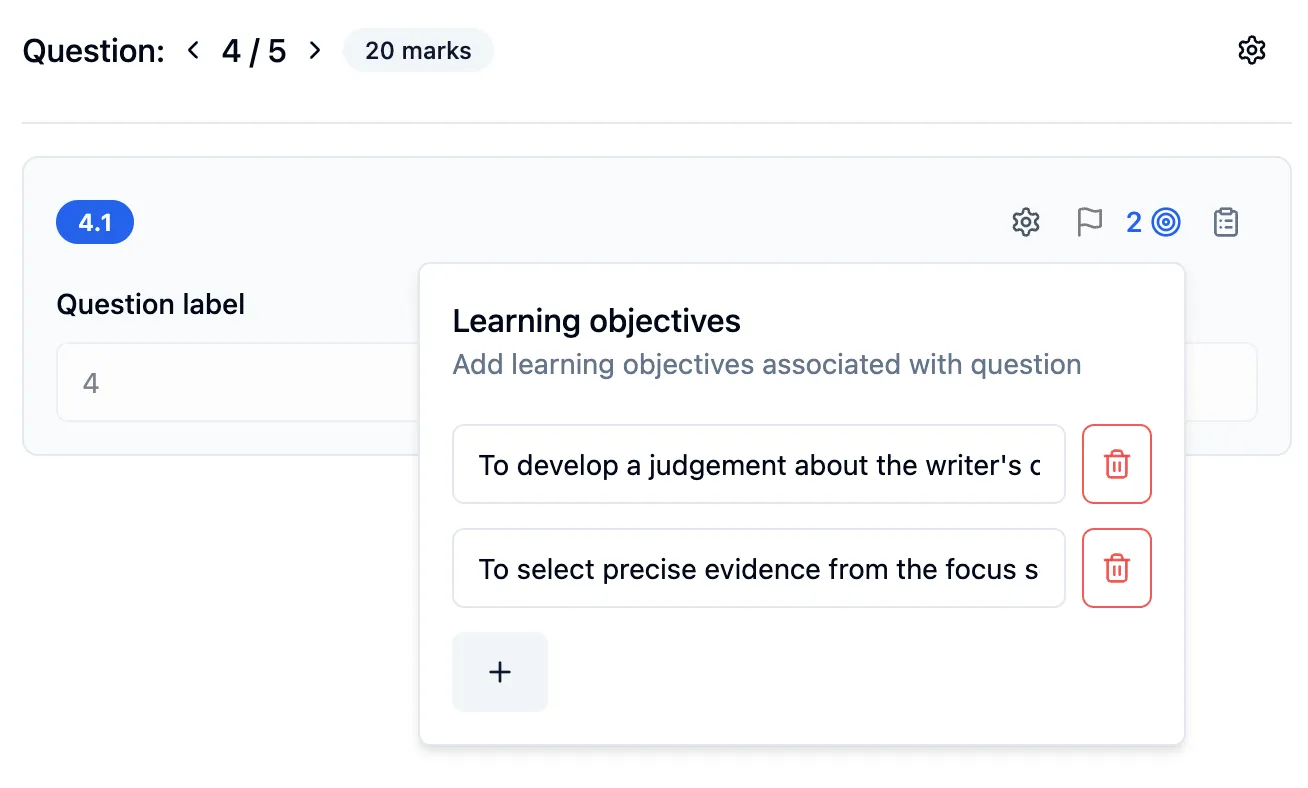
The number next to the icon tells you how many are attached, so you can see at a glance which sub-questions you’ve already covered.
Specification points
Section titled “Specification points”Where learning objectives are yours, specification points are the exam board’s. Open the specification you teach, then work down through the topics to the point you want. If you already know roughly what you’re after, search for it by name instead.