Send feedback to students & parents
Send feedback
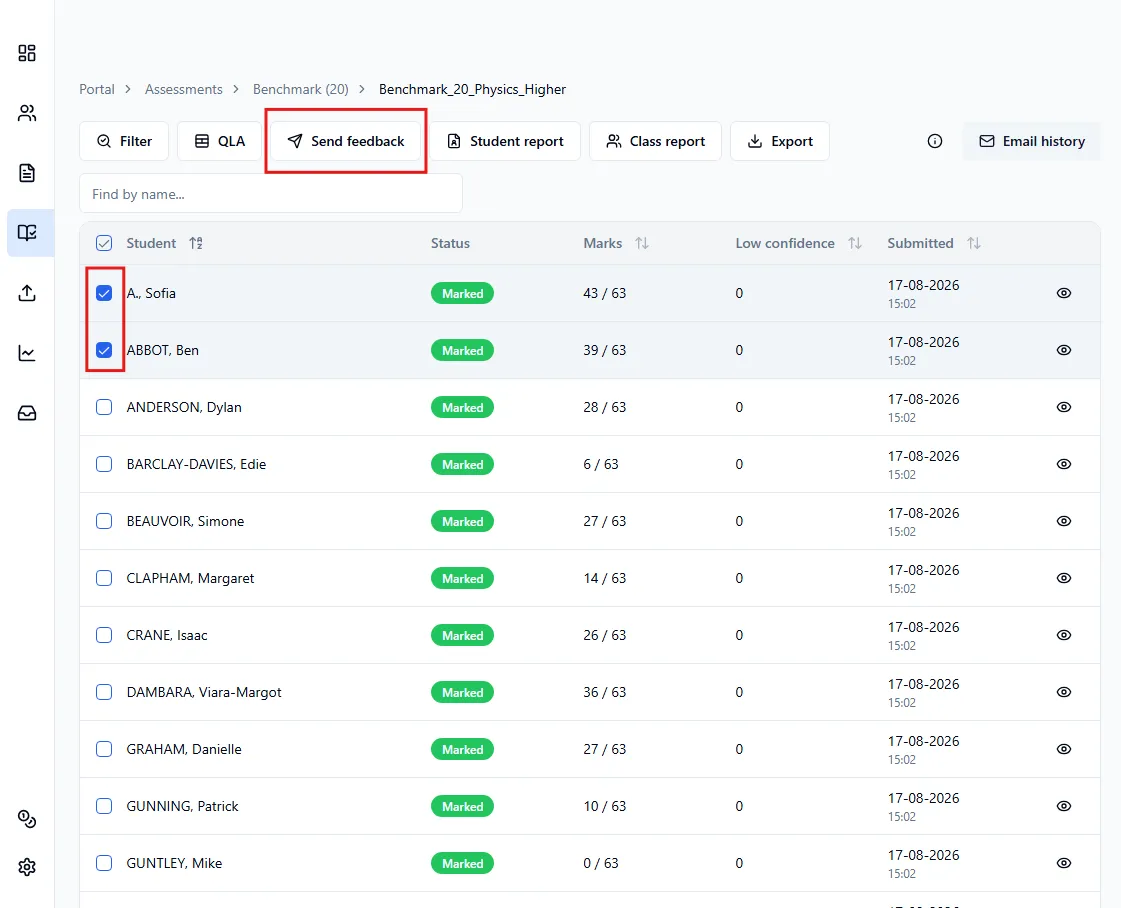
Section titled “Send feedback”- Head over to the Submissions page for the assessment.
- Select the students you want to send feedback to.
- Click Send feedback.
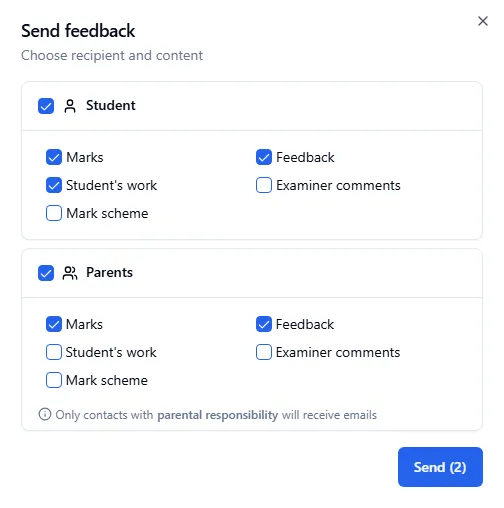
In the window that opens, you can choose:
- Who receives it: students, parents, or both
- What’s included: marks, feedback, the student’s work, examiner comments and the mark scheme
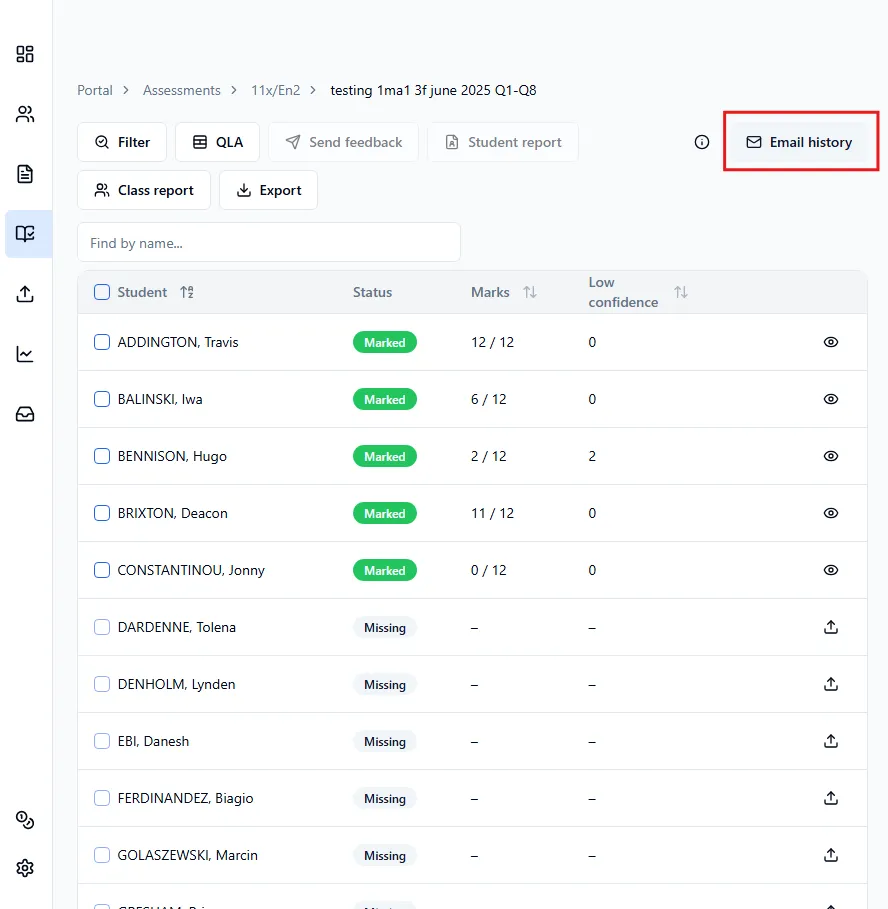
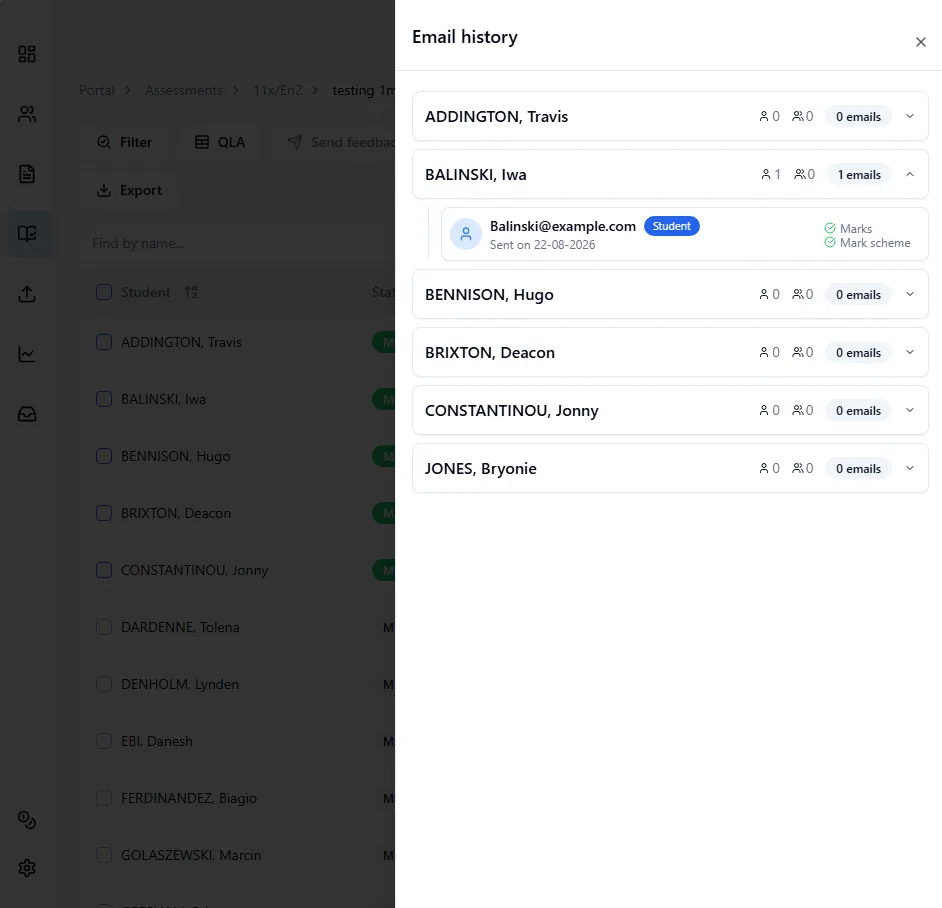
Email history
Section titled “Email history”You can check who you’ve already sent feedback to using the Email history button in the top right, which opens a panel from the right side.