Overview
A worksheet is the question paper and mark scheme together. Once you have one, you can reuse it with as many classes and assessments as you like.
There are three ways to get a worksheet:
- Upload one from a past paper PDF (with its mark scheme).
- Reuse a shared worksheet from your department, school or trust.
- Create one from scratch using the Worksheet Builder.
Two worksheet formats
Section titled “Two worksheet formats”Before you create or import anything, it helps to know there are two formats.
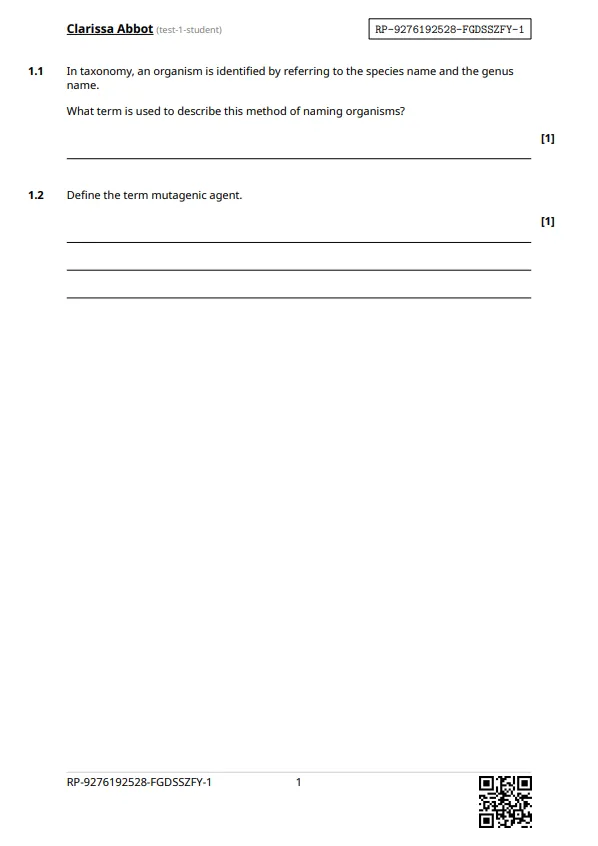
1. Running Paper format (RP)
Section titled “1. Running Paper format (RP)”Built using our worksheet builder, the questions and layout are recreated by us. The worksheet will look different from the original paper but is fully editable and supports every feature in this chapter (LaTeX, MCQ layouts, answer area extensions, learning objectives, and so on).
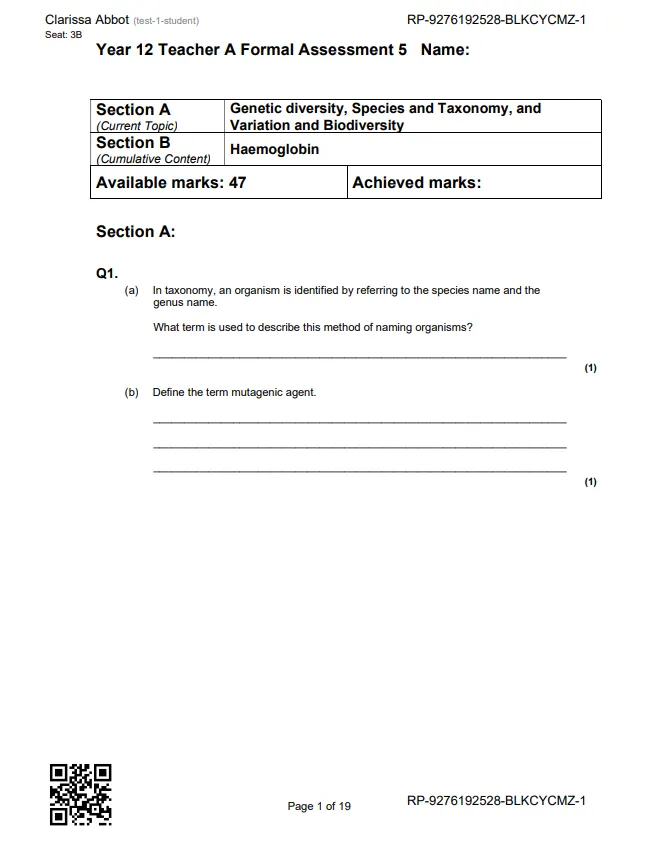
2. External format (E)
Section titled “2. External format (E)”The original paper kept exactly as it is, with a QR code added in the corner so Running Paper can match scanned submissions to students. Use this when you need the worksheet to look identical to the original. For example, when running past papers under exam conditions.