Single student submission
Use this when a student’s paper is missing a Running Paper QR code on some or all of its pages, so it can’t be included in a bulk upload.
Head over to the Upload section, click Upload submissions, then select Single student.
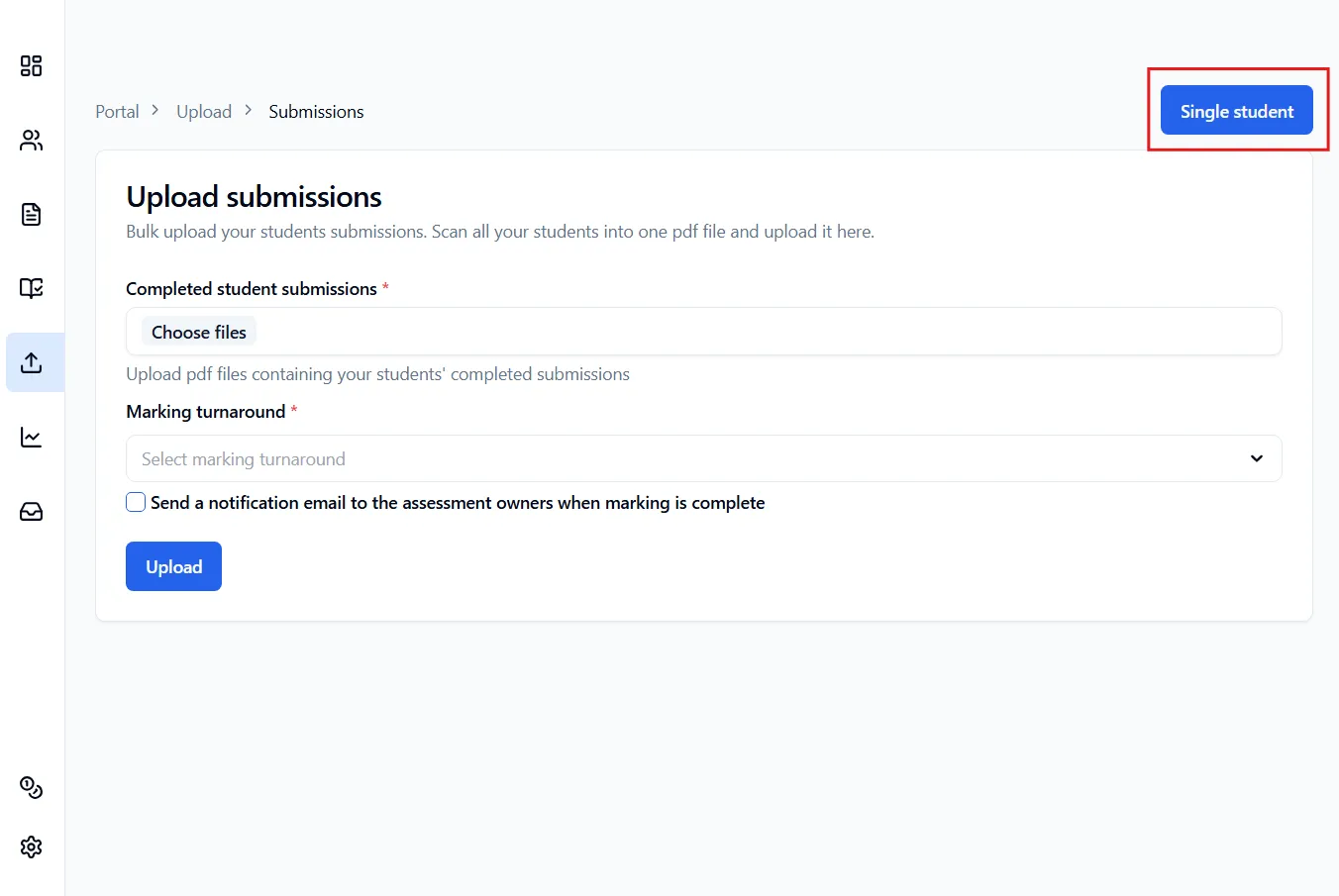
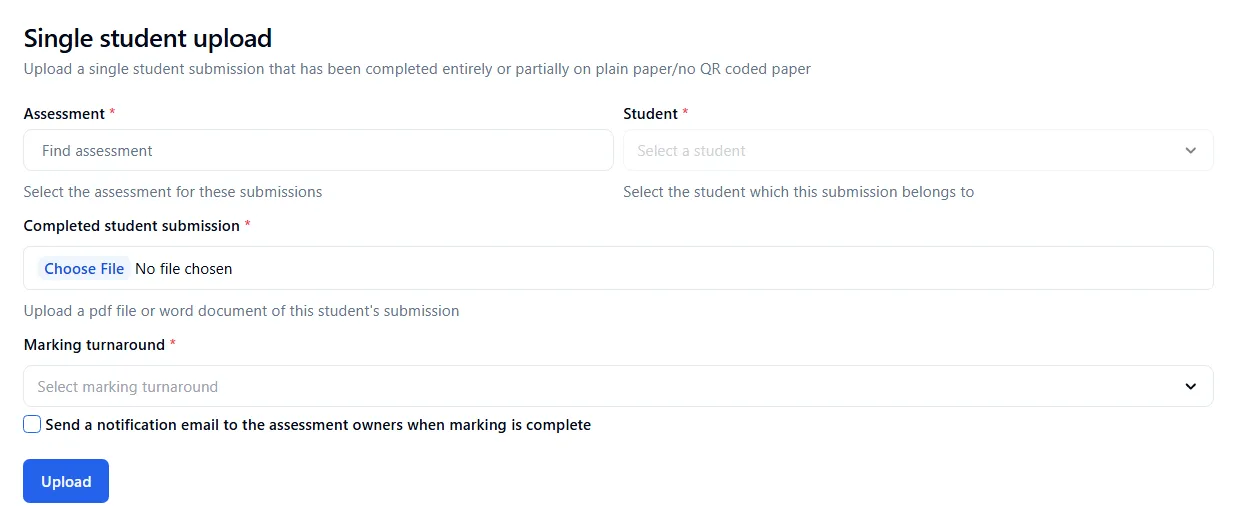
Once you’re done click Upload. You will then be taken to another page where you will need to assign questions to each page that does not have a QR code.
If none of the pages have a QR code
Section titled “If none of the pages have a QR code”The student has answered entirely on plain paper, and none of the pages have a Running Paper QR code:
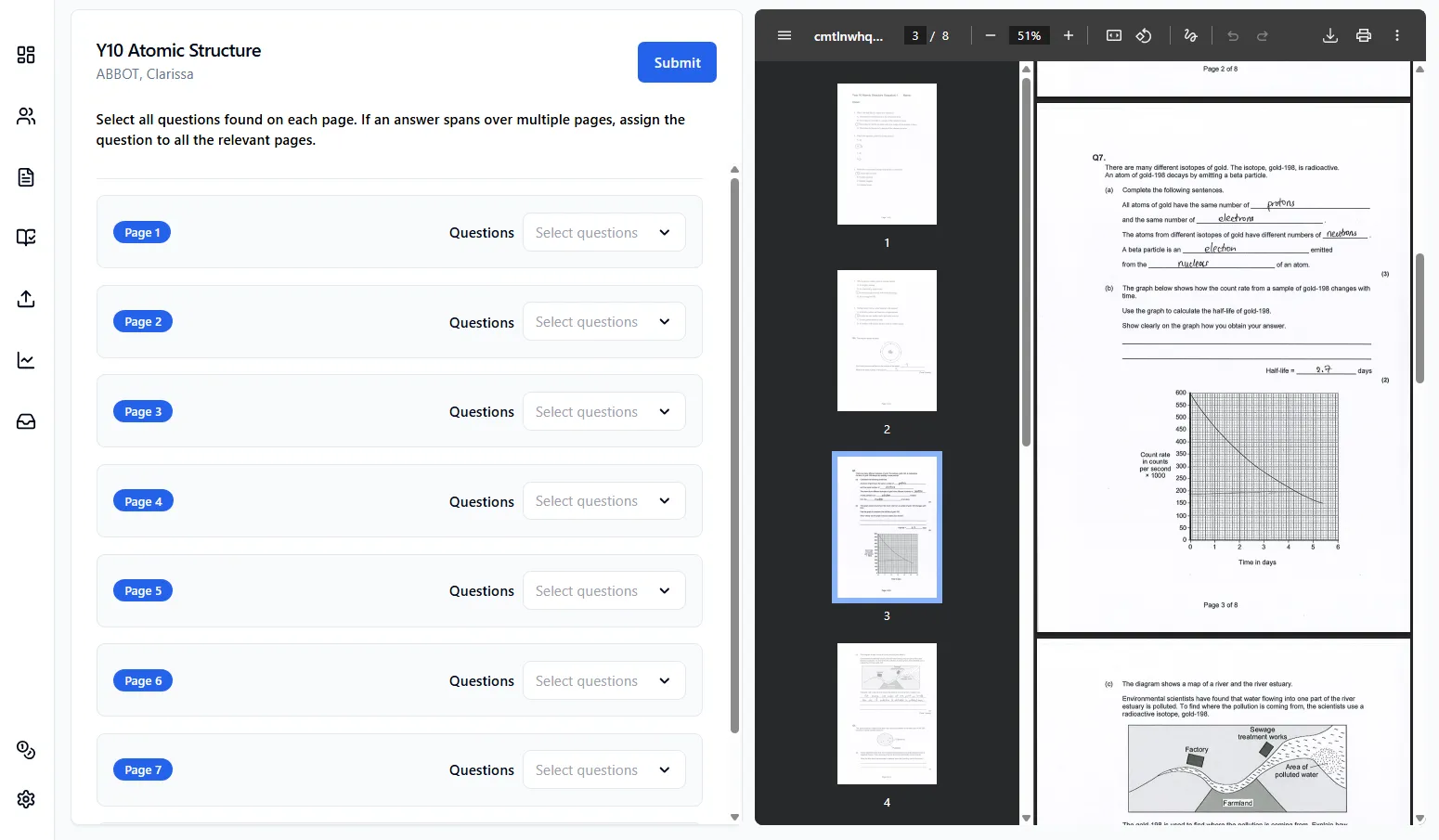
Once you’ve assigned the questions, click Submit.
If only the extra pages are missing a QR code
Section titled “If only the extra pages are missing a QR code”The student answered on the Running Paper question paper, then continued onto plain pages without a QR code:
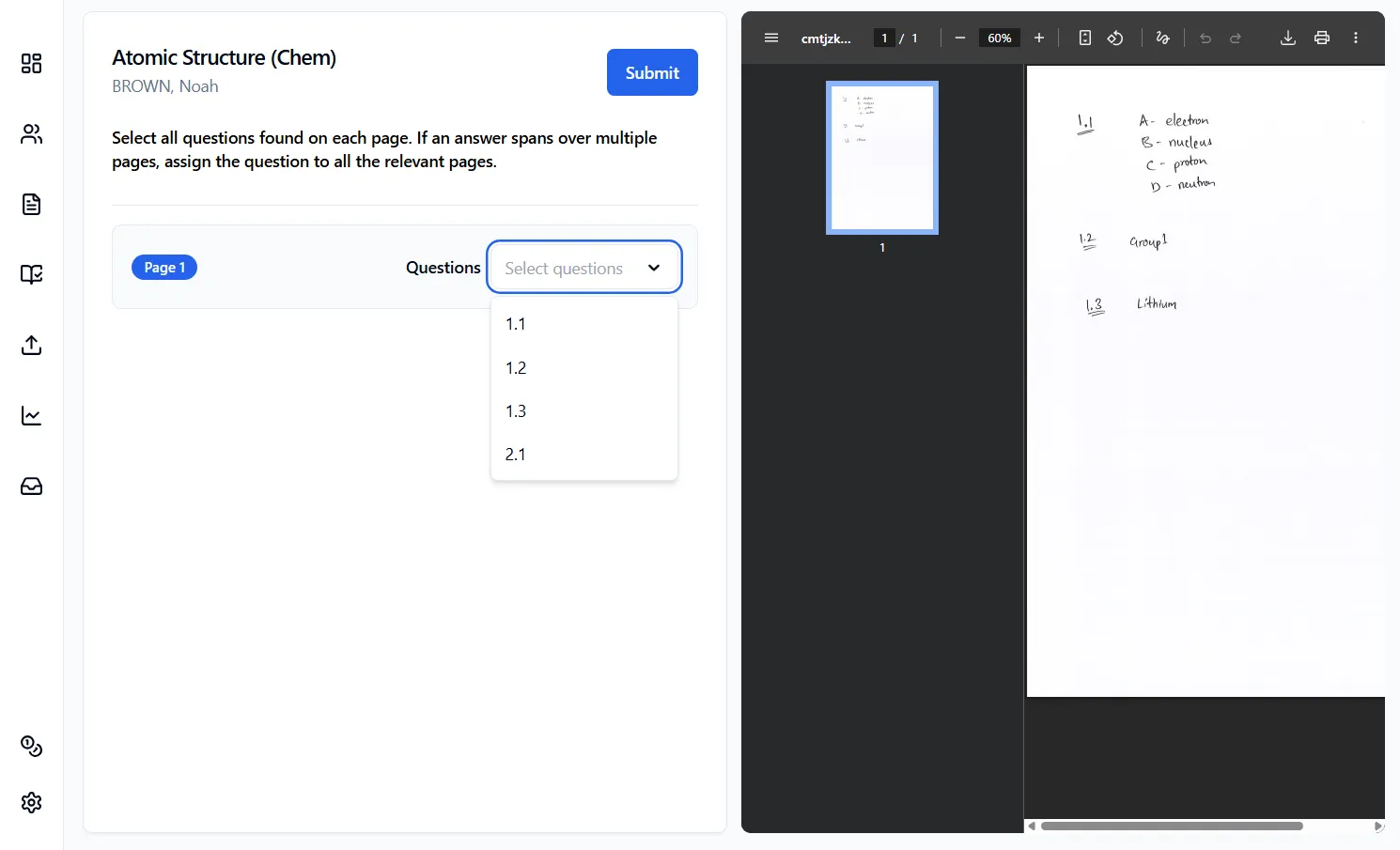
Once you’ve assigned the questions, click Submit.